
Project overview
Project folders and schedules become a dashboard showing the status of every project. Spot delays while they can still be recovered.
Current effort
4 hrs
With an assistant
1 hr review time
HOAI work stage
From HOAI stage 2 · Throughout the project
What the overview shows.
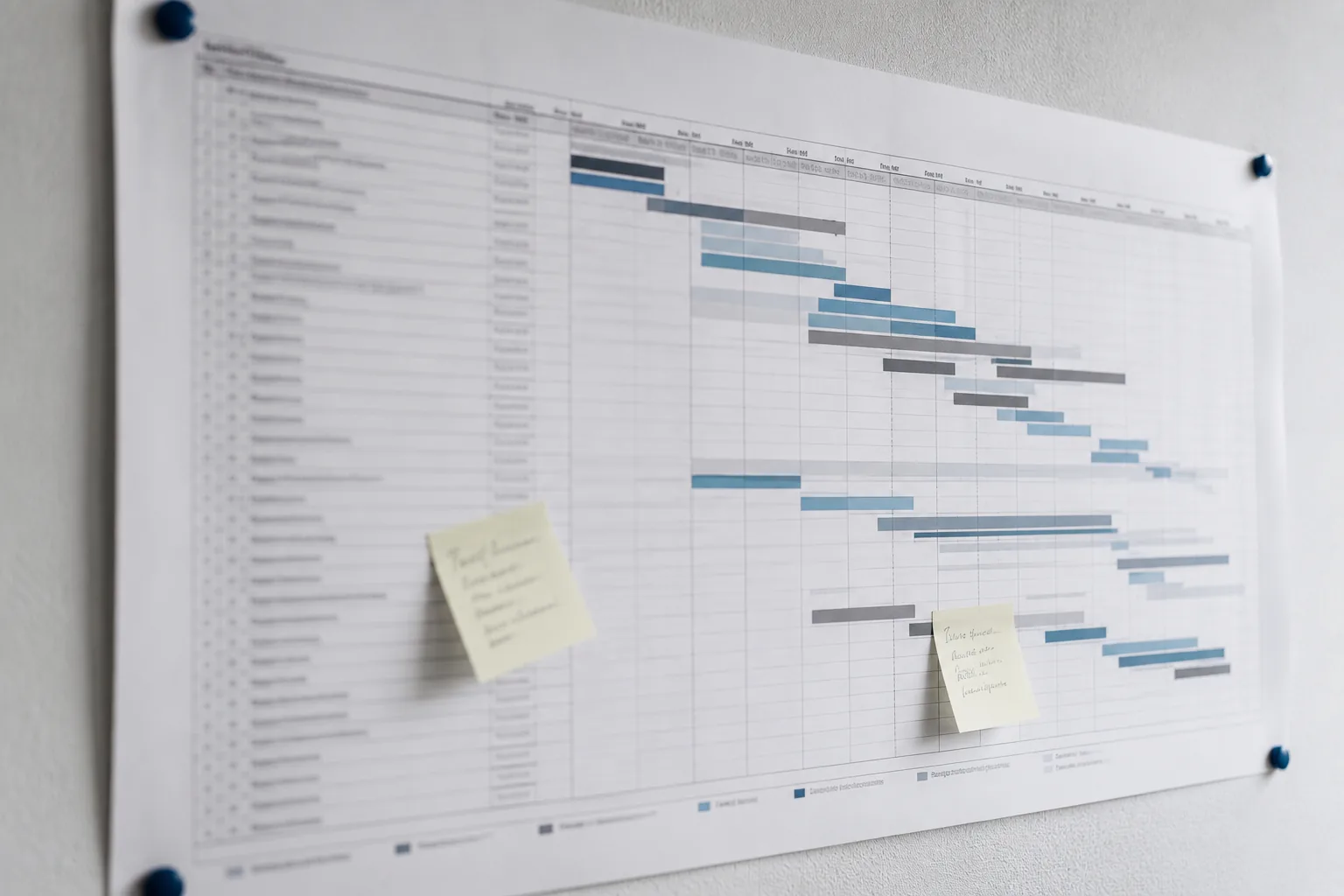
The project overview shows where every project stands: the schedule, upcoming milestones and documents added since last week. Today, someone compiles this information from folders and schedules, or it exists only in the project manager's head.
What you receive
- A dashboard of all current projects showing progress, schedule status and upcoming milestones
- Each project's progress compared with its schedule: what is on track and what is slipping
- Recently added project documents and any expected documents that are missing
- A source reference for every fact, identifying the folder or schedule
- An up-to-date view whenever you open it, rather than a report that is outdated a few days later
The dashboard informs; it does not make decisions. Your project manager decides how to respond to delays. The assistant changes neither schedules nor documents.
What your practice needs
- A consistent project folder structure used across all projects
- A maintained schedule for each project, available as a file
- An agreed list of the documents expected at each HOAI work stage
- A designated person responsible for the dashboard
Sample document · Project overview
Open in a new tab ↗